
// Selected Work
NDW Design System
The components behind NDW's applications: built and kept up to date with five front-end developers, documented in Storybook and tested against WCAG AA.
// My role
What I did, and with whom.
- Responsibilities
- Setting priorities
- Designing components
- Making decisions
- Managing budgets
- Overseeing where components are missing or need changes
- Guarding the design system
- Team
- Five front-end developers, with the lead developers of NDW's teams who implement the updates in their own applications.
- Methods
- Azure DevOps user stories
- Weekly Design System meeting
- Monthly demo on Teams
- Storybook documentation
- WCAG AA testing with Cardan
// The problem
One set of components for many applications.
The NDW Design System is the set of components that NDW's applications are built with. This case covers how it is led, built, documented and tested for accessibility.
NDW builds several applications: an information hub, dashboards, and tools for partners and colleagues. Each team builds its own product, and each needs the same building blocks: buttons, forms, tables, maps and alerts.
A design system already existed. The work is to grow it: new functionality such as maps, layers and accordions, and many more components, while keeping every application consistent and reliable.
// The thinking
A system only helps when teams use it.
A component library does not stand on its own. Teams have to know what exists, trust it, and be able to adopt it without losing time. So the work has four parts, and they depend on each other.
The system, in four parts
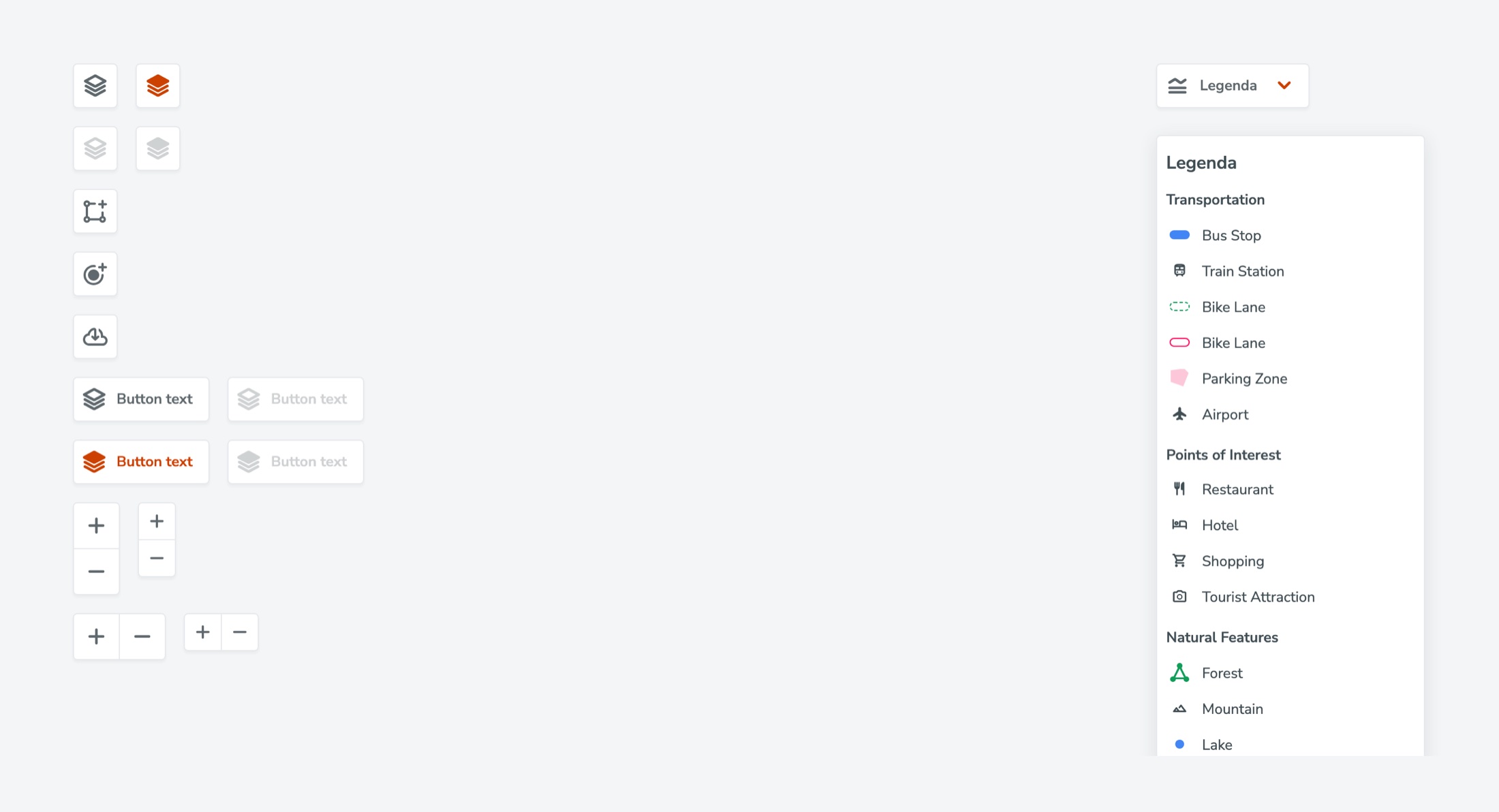
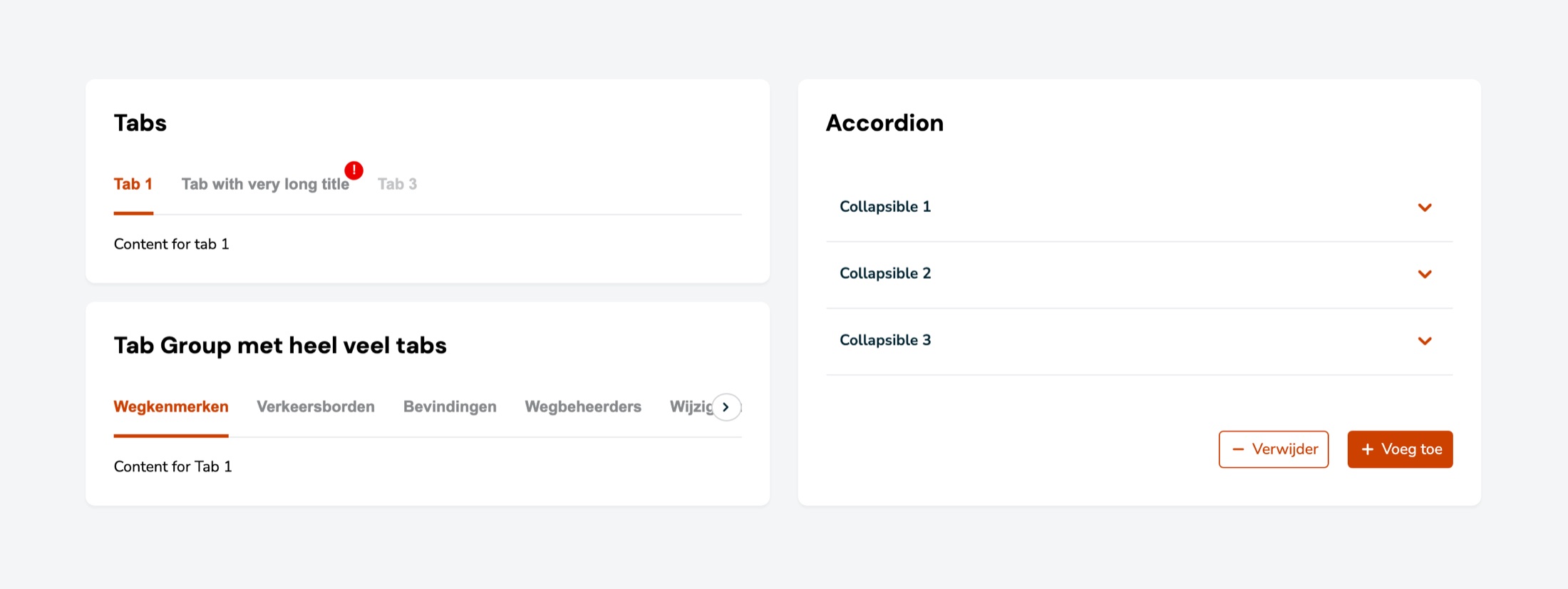
- ComponentsMaps, map layers, accordions, forms, alerts, tables and many more, designed and built together with the front-end team.
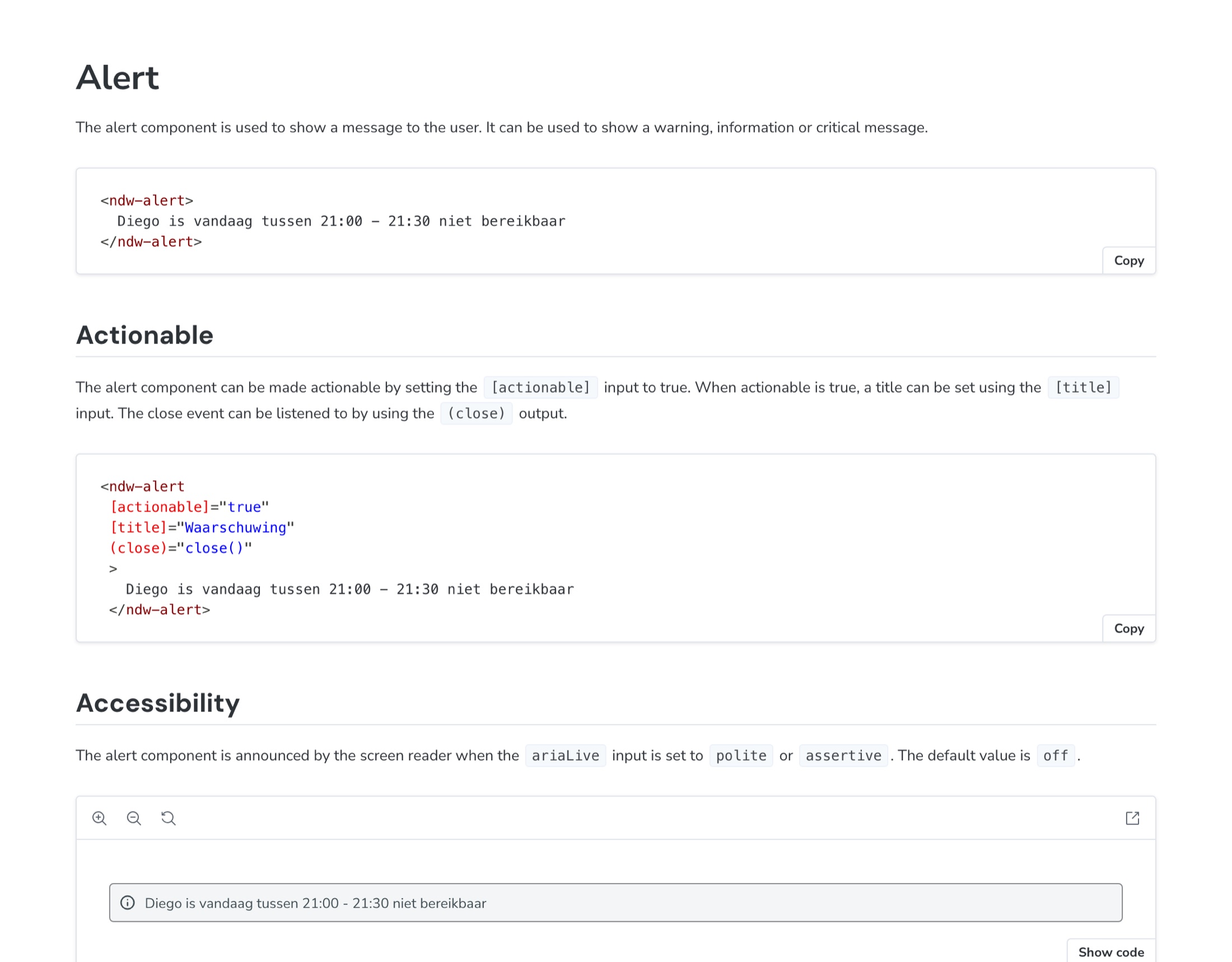
- DocumentationStorybook documents the components and how to use them, including notes on accessibility.
- AccessibilityFocus, contrast, keyboard use and screen readers, tested against WCAG AA by Cardan.
- AdoptionUpdates are announced and demonstrated. The teams then implement them in their own applications.
// Key decisions
How the work is organised
- 01
A weekly rhythm
A Design System meeting every week, with user stories and sprints tracked in Azure DevOps.
- Why
- Everyone sees what is being worked on and what will be delivered in each sprint.
- 02
Updates that reach every team
A monthly demo for all of NDW on Teams, updates in a Slack channel, and announcements during the NDWeekstart on Monday morning, where colleagues can also ask for changes.
- Why
- The lead developers of all teams are informed in the places they already look, and requests come back to the design system team.
- 03
Independent accessibility testing
Cardan tests the components against WCAG AA, and the test is repeated every year.
- Why
- An outside party checks that the components meet the guidelines, instead of the team judging its own work.
- 04
A WCAG test page
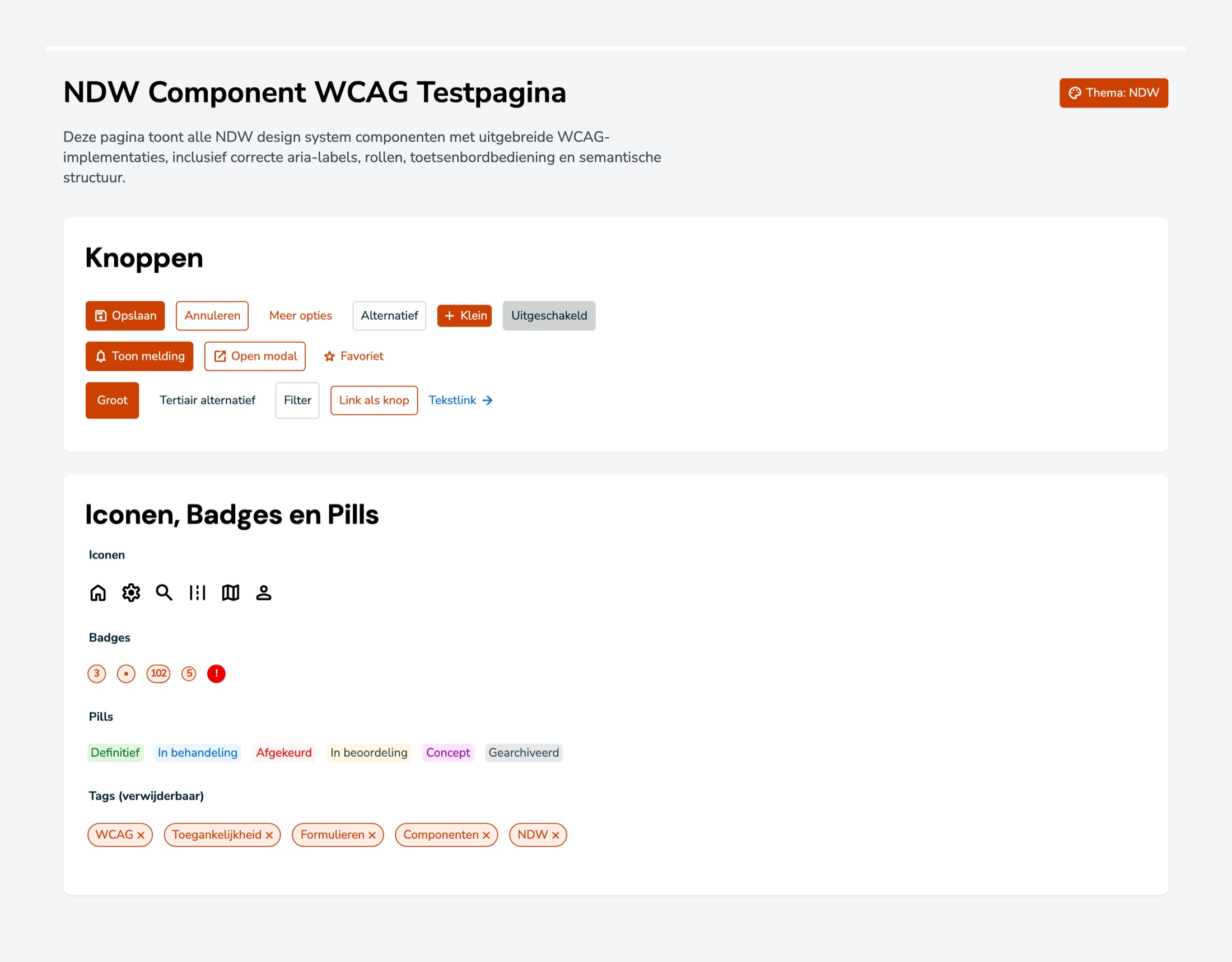
The design system team set up one page that shows all components with their WCAG implementation: aria labels, roles, keyboard operation and semantic structure.
- Why
- It gives the testers one place to review the components as they are used.
// The intervention
Components, documentation and a way to test them.
I set the priorities, design components and make the decisions. I manage the budgets, look at where components are missing or need changes, and guard the design system.
The five front-end developers build the components. Together we add new ones and keep existing ones up to date every week. The playground, an Angular application, shows the components in a realistic context, including the WCAG test page.
In the accessibility work I focus on four things: focus, contrast, keyboard use and screen readers.
// Outcome
A design system is not finished when the components are. It stays useful through a steady rhythm, clear communication and independent testing.
Cardan tests the components against WCAG AA, and repeats the test every year. A first review has taken place and the report is the next step.
Colleagues who use the design system appreciate it: they spend less time building components themselves and can work faster and more efficiently.
// Contact
Have a complex product problem? Let’s make it clear.
- Emailhello@denizign.nl
- ProfileLinkedIn (opens in a new tab)
- AboutRead more about me